

22Bet App
Install the 22Bet app and keep your bets, spins, and withdrawals one tap away.


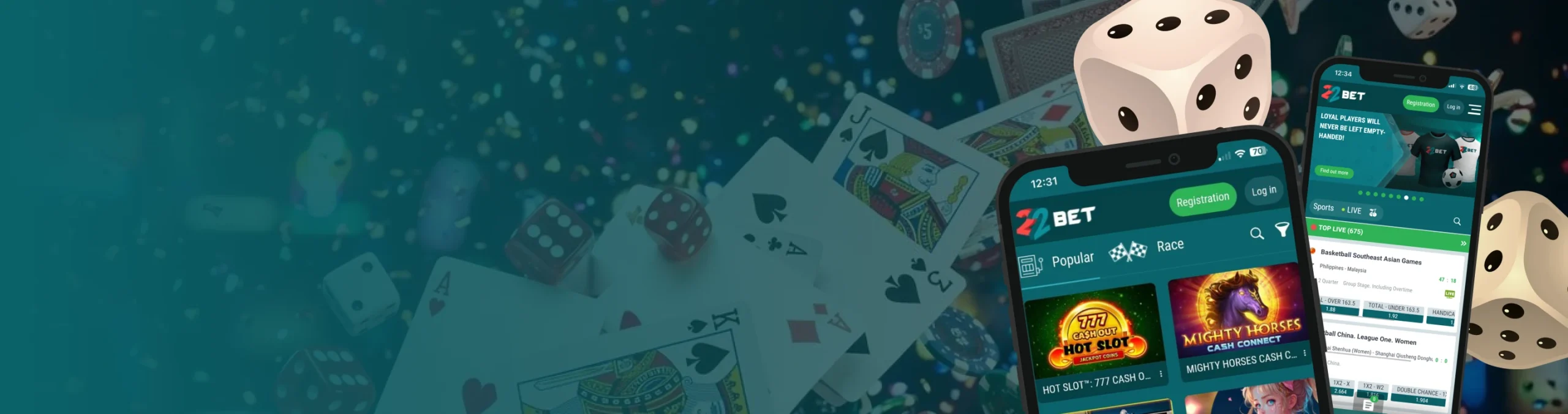
Most players today bet and spin on a phone first, laptop second. The 22Bet app is built with that reality in mind, combining sports betting, casino games and payments inside one mobile environment. Instead of separate downloads for different products, the same app handles football bets, live odds, slots and live‑dealer tables. There is no split 22Bet app or sportsbook‑only client; one login covers everything.
This guide looks at how the app works on Android and iOS, how to install it safely and what to expect from the mobile website for players who prefer a browser.
Quick Navigation

Mobile App for Android
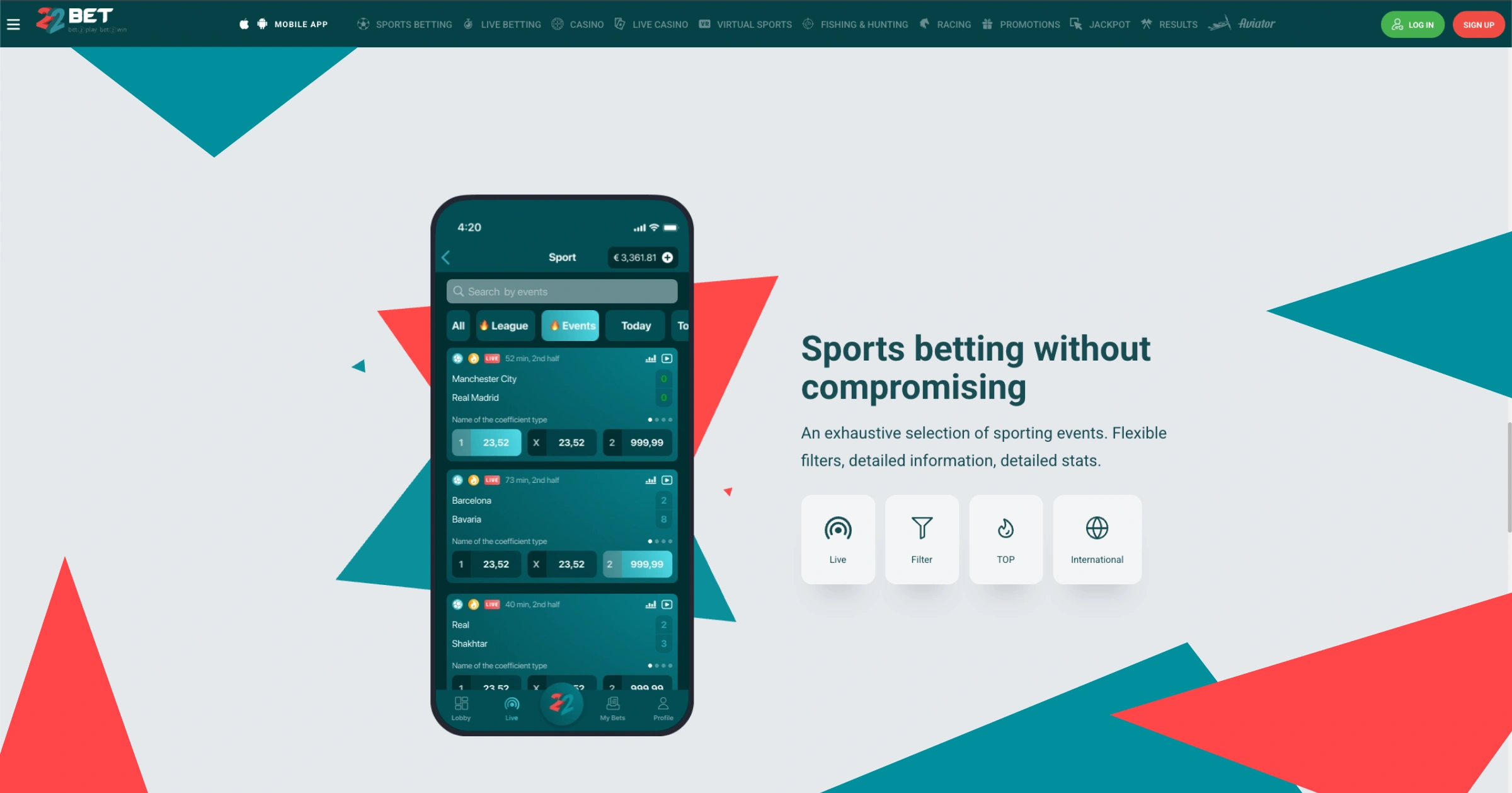
Android is where most local players start, and the operator treats it as a priority platform. The app is delivered as an installation file rather than through Google Play. Below you’ll see more details on installation and app specifications.
How to Download and Install the App
The Android version is installed using an APK file. The correct process begins on the official website rather than on third‑party stores. On the mobile homepage, scroll to the mobile section or tap the dedicated app banner.
A prominent Android logo leads straight to the 22Bet APK link. Tap the button to download 22Bet APK directly from the official site. Once the file lands in the notifications bar or downloads folder, tap it again to start installation.
If the phone blocks installation from this source, open ‘Settings’ → ‘Security’ and allow apps from this origin. After that, installation completes in a few seconds, and the app icon appears on the home screen. From here, players can log in with existing details or open a new account and deposit through mobile money or card.
Compatible Devices
The Android software is designed for a broad range of phones and tablets, not only high‑end models. Any relatively recent device with a stable internet connection can handle core betting and casino features. Key requirements include:
- Android operating system at version 6.0 or higher.
- Enough internal storage for the app plus temporary cache files.
- A screen large enough to display full betslips and casino menus clearly.
- Stable mobile data or Wi‑Fi for live betting and streaming.
Older devices still work if they meet the minimum operating-system version and have space for updates. Performance improves when unnecessary apps and large files are removed to free up memory.
Mobile App for iOS
Apple users access the same product range as Android customers, but the path to installation is different. Here, the focus is on the App Store and the mobile browser. Now, let’s check the app download and installation steps and some other details.
How to Download and Install the App
Depending on regional settings, iPhone and iPad users may find the app listed in the App Store under sports betting. The safest route is to follow the link from the official website, which opens the store listing directly. Tap ‘Get’, confirm with Face ID, Touch ID or password and allow the app to download. After installation, the icon appears on the home screen and can be opened like any other application.
If the native app is not visible in a particular region, players can still access the full platform through the mobile browser. Saving the site as a home-screen shortcut mimics app behaviour and keeps one-tap access available.
Compatible Devices
The iOS version is intended for iPhones and iPads running modern versions of the operating system. For a smooth experience, devices should have enough free storage and an OS version still receiving security updates. In practice, this means:
- A supported iOS version on the iPhone or iPad.
- Adequate free storage for installation and updates.
- Reliable mobile data or Wi‑Fi for live odds and casino streams.
Most recent Apple devices meet these requirements comfortably. If storage is tight, removing unused apps and media before installing helps avoid interruptions.
RegistrationFeatures of the App
Once installed, the 22Bet application mirrors the structure of the main website while adapting controls for touch screens. Navigation is built around bottom tabs and slide-out menus. Key features include:
- Full access to sports betting, live events and virtual sports.
- Complete casino lobby with slots, table games and live-dealer rooms.
- One-tap deposit and withdrawal options for mobile-money and card payments.
- Integrated cashout control on active bets.
- Favourites, search and filters to find markets and games quickly.
The design focuses on speed: betslips appear instantly, odds update in real time, and casino games open in a few seconds when the connection is stable.
Registration Process via the App
Creating an account on a phone follows the same steps as on a desktop, with fields optimised for thumb-typing. The process is:
- Open the app and tap ‘Sign Up’ on the home screen.
- Choose registration by phone or email and set a secure password.
- Confirm Ghana cedi as the account currency and fill in basic personal details.
- Pick the preferred welcome offer or select the option to play without bonuses.
- Submit the form and confirm the code sent by SMS or email.
Once the account is verified, new customers can deposit, place bets and explore the casino lobby directly from the app without switching devices.
RegistrationMobile Website Version
Not everyone wants to download 22Bet app on their phone. For those players, 22Bet mobile access through the browser offers the same main functions. Entering the site address in Chrome, Safari, or another browser loads a responsive version that adjusts to the screen size. The layout copies the look and feel of the app, including the side menu, betting tabs and casino filters.
From the mobile site, a small prompt often suggests adding the page to the home screen. This turns the website into a pseudo-app, opening in a separate window without the browser bar while still updating automatically. The main difference is that the browser needs to remain open in the background. For players with limited storage, this trade-off is often preferable to a full 22Bet app download.
Mobile Games
All core casino content is available on handheld devices. Slots, instant games and live-dealer tables are adapted to touch screens, with interfaces arranged vertically. The game lobby uses tiles and filters so players can swipe through categories or search by name. Popular titles load in portrait mode and scale to the device. We’re talking:
- Gates of Olympus 1000
- Buffalo King
- 9 Coins
- Magic Spins
- Hot Fruits 5.
Live-dealer games, including roulette, blackjack, baccarat and game-show formats like Crazy Time or Sweet Bonanza Candyland, stream directly inside the app window. Betting controls sit below the video feed, keeping thumb movements simple on smaller screens. Because everything runs through a single app, there is no need to juggle a separate 22Bet casino app for tables and another for slots. One icon leads to the full lobby every time.
RegistrationMobile Betting
The betting side of the app is laid out so that football and other headline sports remain one or two taps away. Pre-match and live events sit under dedicated tabs. Building a bet works as follows:
- Select a sport, league and event from the main menu.
- Tap the odds on any market to add the selection to the betslip.
- Open the betslip from the bottom bar, choose single, accumulator or system.
- Enter the stake, check any multibet booster options and tap ‘Place Bet’.
Live betting uses the same workflow, with additional visualisations such as match trackers and changing price colours. Cashout indicators appear next to active slips, and tapping them opens an exact offer based on current odds. For players looking to bet from any browser without installing software, it is enough to download 22Bet application alternatives in the form of a home-screen shortcut to the mobile site.
Frequently Asked Questions
Is the mobile app different from the desktop site in terms of features?
The core functions are the same. Sports betting, casino games, payments, cashout, and promotions are all available both in the app and on desktop, just rearranged for smaller screens.
Do I need a new account to use the app?
No. One profile covers all devices. Players who already registered on desktop can log in with the same details, and new customers who start on mobile can later sign in on a laptop.
Is it safe to install the app from the website?
Yes, provided the file comes from the official domain. Installing only from 22bet.com.gh or the linked store page, keeping devices updated, and using secure connections help protect both the account and payments.
